Main Gallery Area
Academy
Academy
Set up your Digital Academy, organize it into channels and share content with your learners and customers.
Featured
How this channel works, and what to do first.
Setup
Get your Digital Academy ready. Upload demos and videos, add transcripts, and turn on search and tracking. Your learners get one place to find every guide.
The Digital Academy is part of a separate licence.
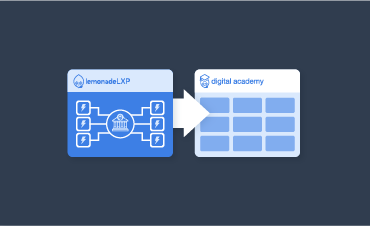
There are two different ways an employee can access their internal academy - we'll show you how!

Let's go over the different ways you can search for content in your Digital Academy.
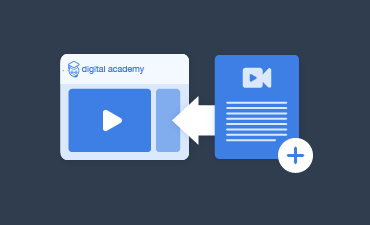
Learn how to add a video transcript to your DA videos!
Learn how to include (or not include) the walkthrough card feature!
You can now track events with Google Analytics v4! We've added an option to include the measurement ID, which is required for Google Analytics 4 tracking.
This demonstration will show you how to move a demo. You'll learn how to transfer it from one channel to another, or to a different category altogether. We'll guide you through the process step by step
Here is how to upload a demo to your Digital Academy!
Here is how to upload a video to your Digital Academy!
Choose your tutorial's visibility between your internal and external DA!
You can now use voice synthesizers for your walkthroughs!
You can now add several game-based step types to your DA!
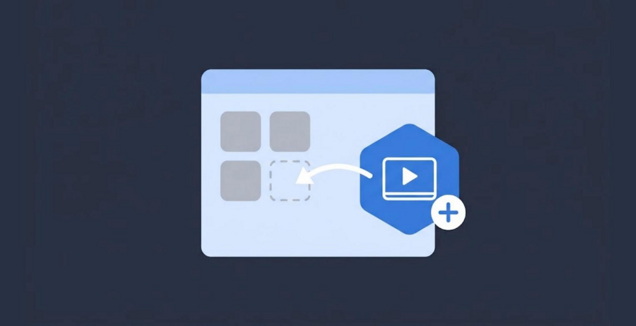
Add one of your demos to an Academy channel so people can find it.
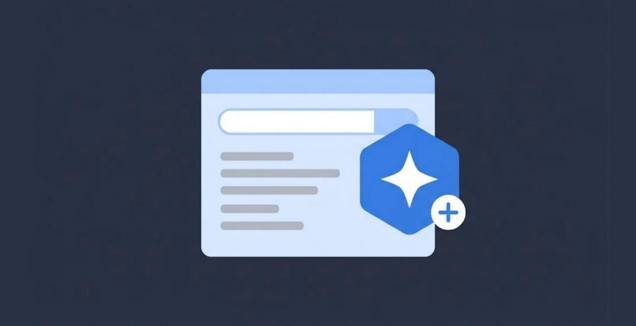
Let AI write the search title, summary, phrases and questions for any card, so people find it when they ask.
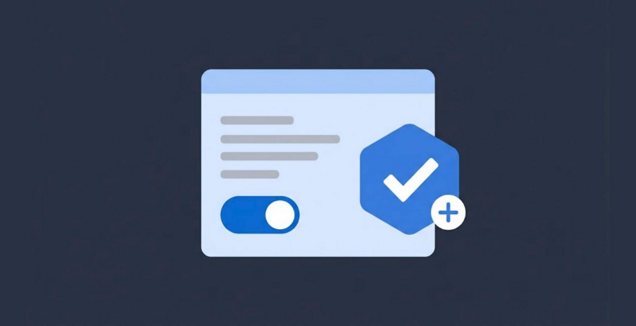
Check the AI draft, fix anything that is wrong, then approve it so it shows in search.
Sharing
Get your content in front of people. Share a demo, a category or a walkthrough, and customize the email that goes with it. More people find the help they need.
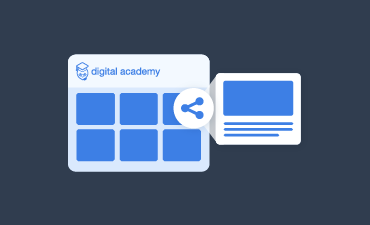
Learn how internal employees can share content with their clients, members, and colleagues!
Can't choose just one walkthrough within a single category? Share the category instead!
Let's go over the Public Share features you can include (or not!) for your Digital Academy Email Shares.
You can personalize messages sent by LemonadeLXP in your new BETA Message Center!
Look and Feel
Make your Academy feel like home. Add a banner, a footer and an intro to each category. It looks like part of your brand, not a separate tool.
You can now create a custom global footer for your DA!
Quickly share information on your DA page with your DA Banner!
Add a description to each of your DA categories with ease!
Channels
Organize content by audience. Channels group demos for a team, a role or a product, each with its own look. People only see what matters to them.
With the new channels feature for DA Premium users, your library can house even more tutorials in a neat and orderly way! But first, you need to create some channels - this walkthrough will show you how!
You've got the channels feature ready to go - now what? This walkthrough will show you how to enable each channel and what it looks like LIVE for your DA visitors!

What to give your channel its own look and feel? Look no further! This walkthrough will show you how.
When you have an announcement for one particular channel, or you simply need to customize it with additional functions, add some Javascript!
Analytics
See what people use. Track views and completions in your Academy. You know which guides work and which need a refresh.
These reports come from Google Analytics, not from LemonadeLXP.

Find out which walkthroughs were shared with your Academy Demo Shares Report!
Learn how to create a Looker Studio report for your Google Analytics 4 account to share internally and externally.
Learn how to navigate the Reports Snapshot in Google Analytics 4 to get key insights about your Digital Academy's traffic, user behaviour, and top-performing content.
Let's walkthrough the Traffic Acquisition section! Learn how to track with channels- like organic search, email, direct, etc and how using UTM tags can improve the accuracy of tracking.
Let's dive into the Engagement section to explore what users are doing once they visit your Digital Academy. Learn how to track key actions like demo starts, video views, and page interactions. By understanding how users engage with your Academy, you can improve their experience and keep them coming back.