Main Gallery Area
Configuration
Configuration
Platform settings, sign-in and SSO.
Featured
How this channel works, and what to do first.
Settings
Set it up once. Change platform settings, add languages and edit the emails people get. Everything works the way your organization needs.

What kind of replay controls are available, and how do they affect a learner's experience with the platform? Get to know your (re)play controls with this video! For more information, visit our knowledge base.
Get ready to customize Certification viewability for your learners with our upcoming update!
Stop learners from rating steps and courses, using the Steps & Courses settings.
Add a language so you can write steps and courses in it.
Rewrite the email learners get when they have certifications to start or finish.
Sign-in and SSO
Make sign-in simple. Connect single sign-on so people use the login they already have. Fewer passwords, fewer help tickets.

SSO needs your IT team.

Need to include SSO ID keys in your exports? Or perhaps exclude them altogether? Your SuperAdmin can come to the rescue!
This walkthrough will show you how to exempt an IP address from your SSO restrictions.
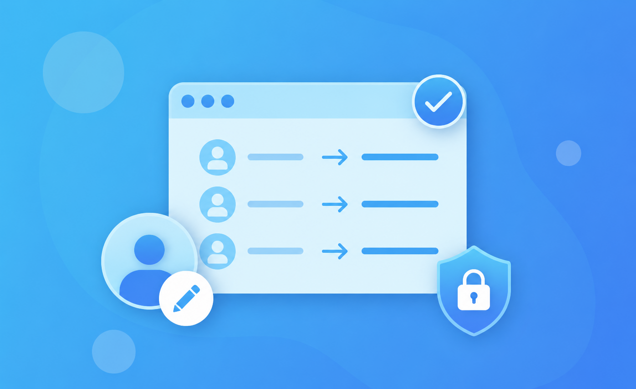
Learn how to prepare existing users for their first Single Sign-On (SSO) login by verifying and updating email addresses. This helps ensure users are matched to their existing accounts and reduces the risk of duplicate records.
Integrations and API
Connect your other systems. Make API tokens and turn on integrations so your HR system and other tools can talk to LemonadeLXP. Less manual work, and your data stays in sync.

Make a token so another system can talk to LemonadeLXP, and choose what it is allowed to do.

Find the AI tools, like Claude or Copilot, that are connected to your LemonadeLXP, and where to add one by hand.

Connect LemonadeLXP to another tool. We use Claude Desktop as the example.